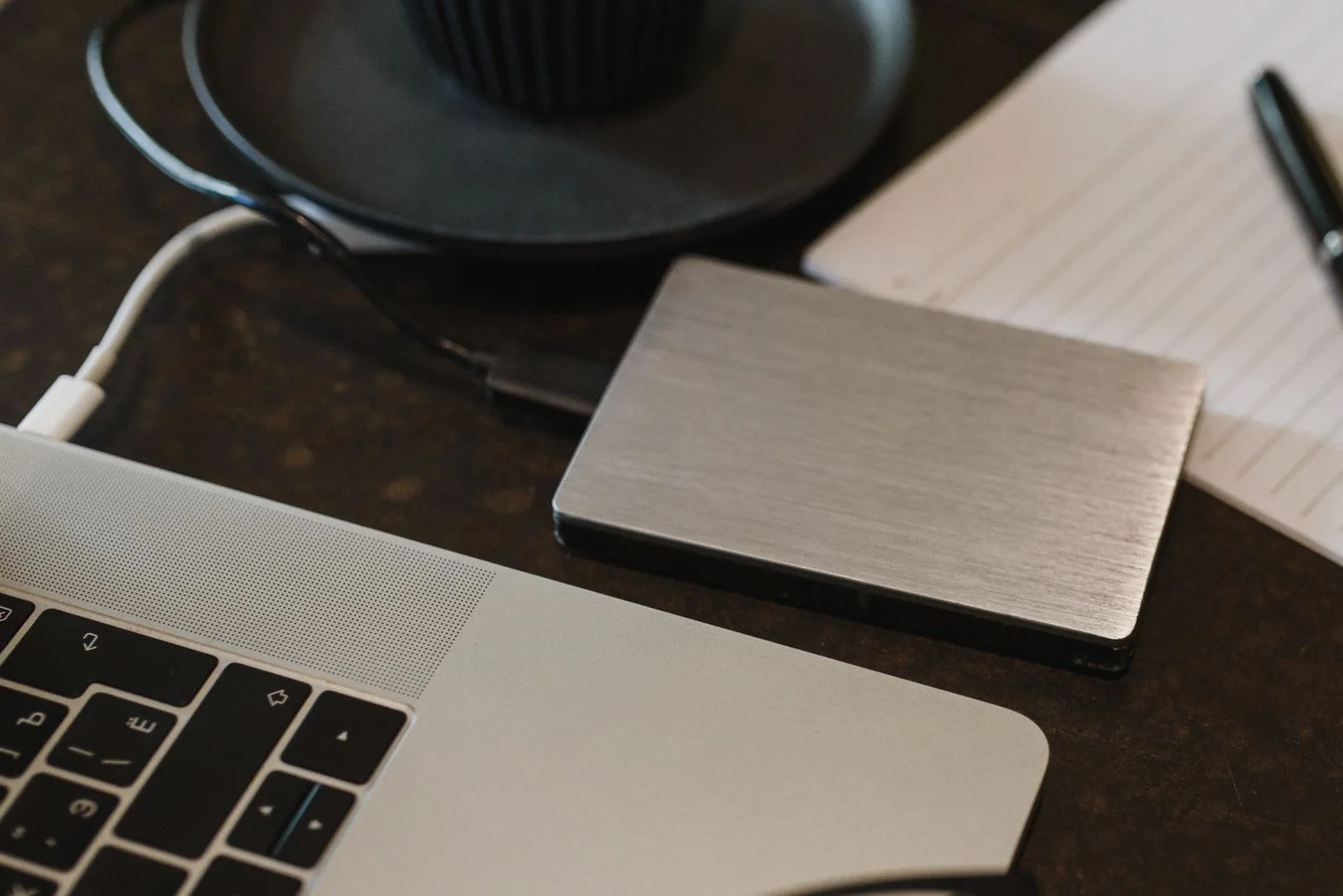
Copy the whole record
A laptop list may point to phone photographs and invoices in an email account. Copying only the text file does not create a complete second record. Identify which files are needed to understand each entry. Include relevant pictures and documents, using the same recognisable inventory references throughout.
Create a dated main folder with a short explanation of its contents. Identify the current list and the location of attachments. You should not need to reconstruct a complicated filing system later merely to connect a photograph with a cabinet, camera, or stored box.
Choose a genuinely separate location
Veilig Internetten explains backups as copies of files and describes external storage and cloud options. For an inventory, ask an additional practical question: which copy could you reach if the original device were unavailable? A drive beside a computer and a copy in a separate account have different dependencies.
Consider access without your usual phone or laptop. Know which account holds the files and how recovery would work. Do not place passwords inside an inventory that might later be shared with a claims handler. Keep information about belongings separate from credentials for accessing accounts.
A shared household folder can be convenient, but agree who may change its contents. Otherwise, someone may overwrite the current list or expose private attachments to a wider group. When responding to a specific request, share the relevant files rather than automatically providing the entire archive.
Test the stored result
Do more than check that a folder name appears. Open the copied list, an image, and a supporting document from the second location. Do links still work, or do they point back to the original computer? If offline access matters, check that the files are actually available there.
Record the copy date. A dated version helps show whether a later purchase is included. Mark older versions as historical so that yesterday's household is not accidentally presented as today's inventory. Keep the current version easy to recognise.
Update after meaningful changes
Make a new copy after an inventory review, a substantial purchase, or the addition of missing records. This need not become a separate administrative project each time. Check that revised attachments were included, not merely the main list.
The copy preserves your information; it does not establish insurance coverage or decide what evidence a claim requires. Keep procedural questions and replies separately, and supply the requested files in an appropriate format when a specific situation arises.