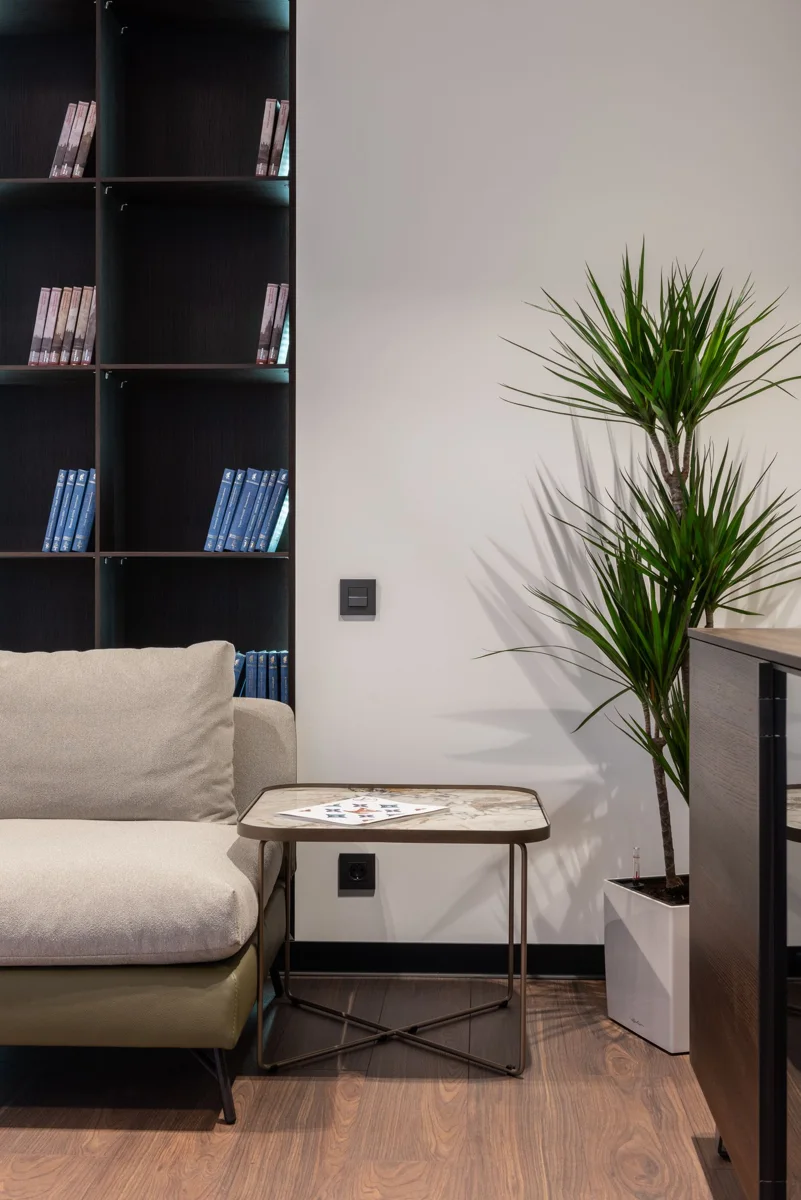
A workspace is not one product
A computer desk may hold a laptop, separate screen, keyboard, mouse, dock, and other accessories. Some arrive together and others are added years later. Begin with the objects present rather than the total on one old order. An overview shows the arrangement while the list identifies what actually makes it up.
Give individually recognisable devices separate entries with brand, model, and an accessible known serial number. Dutch police recommend recording serial numbers. A serial identifies a particular example while a model name may describe many. Retain both without assuming either replaces the other.
Trace purchases and changes
Connect an order confirmation with what was ultimately delivered. A return or exchange may otherwise leave an inaccurate picture. Keep the change confirmation with the purchase. Where one invoice covers several devices, link it from relevant entries without assigning its full total as each item's individual price.
A self-built computer may have separate purchase records for major components. Create a clear main entry and connect the component list. Explain whether an amount represents the complete build or one part. Do not count both the full setup and all included components as independent complete belongings.
An upgrade changes that arrangement. Note what was added and whether the former component remains present. Sold or given-away parts no longer belong in the current inventory. Older records can remain as history with a clear status.
Separate ownership from information
An employer may have lent a laptop or screen. Put ownership in a separate field and retain available loan arrangements. A privately owned computer also used for work is a different description. Ask about applicable arrangements and conditions rather than inferring coverage from a device's place on the desk.
Files, software access, and the physical device are separate subjects. A laptop photograph describes hardware; it does not back up its contents. Keep the equipment inventory separate from passwords and sensitive work information. A personal account screen is generally unnecessary for identifying the machine.
Check that saved label photographs are readable. A blurred image can make a folder seem complete without providing a usable number. Add the number as text if useful and verify every character against the label.
Keep the setup current
Moving a screen to another room mainly requires a location update. Replacement needs a new device entry or an unmistakably updated record. Distinguish present, no longer present, and owned by someone else. That is clearer than a folder mixing old and new computers.
Finish by finding one accessory through its own entry. Can you locate its photograph, origin information, and linked invoice without opening everything? The structure then works for less conspicuous parts of the setup too.